The dashcam market is beyond oversaturated. A single search of the term “dashcam” on Amazon yields thousands of results, with images and supposed features that overlap each other in an effort to get your attention.
I was recently sent one such dashcam to review: the Vueroid S1 4K Infinite 2-Channel, which is currently on sale for $379.99, down from its $429.99 MSRP. That’s quite pricey as dashcams go, but what do you get for your money, and more importantly, is it any good?
What are the specs?
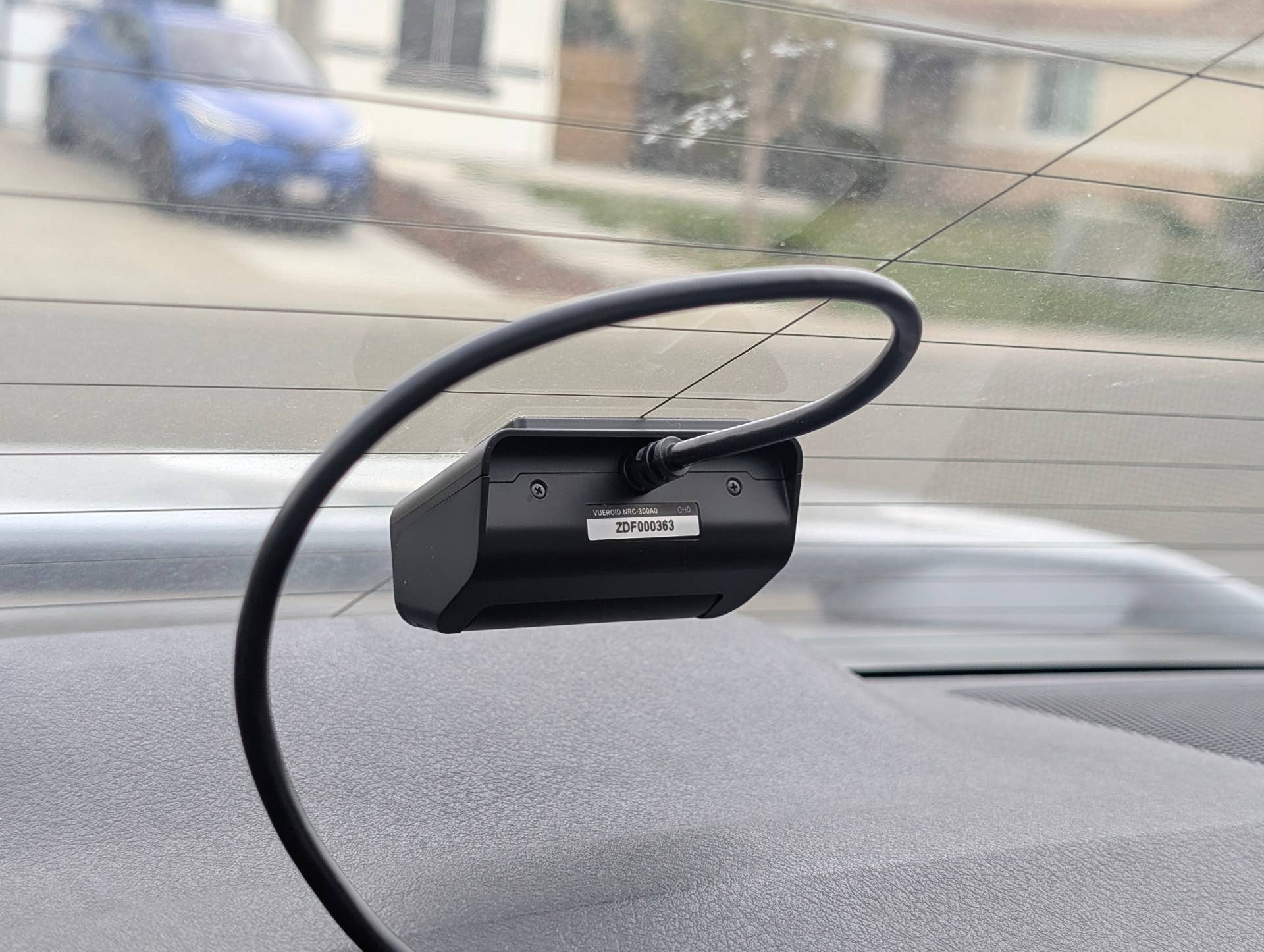
Included in the box are the front and rear cameras, quite important, alongside cigarette lighter power cables, hardwire cables, a CPL filter, a USB Type-C data cable, six sticky cable clips, a trim tool for tucking the wire out of sight, foam tape, and the manual. What isn’t included, and is a bit of s trange omission at this price, is a microSD card. The recommended Vueroid microSD cards start at $36.99 for the 64GB and go up to $179.99 for the 512GB. For comparison, a 512GB SanDisk Extreme with the same specifications as the Vueroid card starts at around $76 on Amazon. Do what you will with that information.
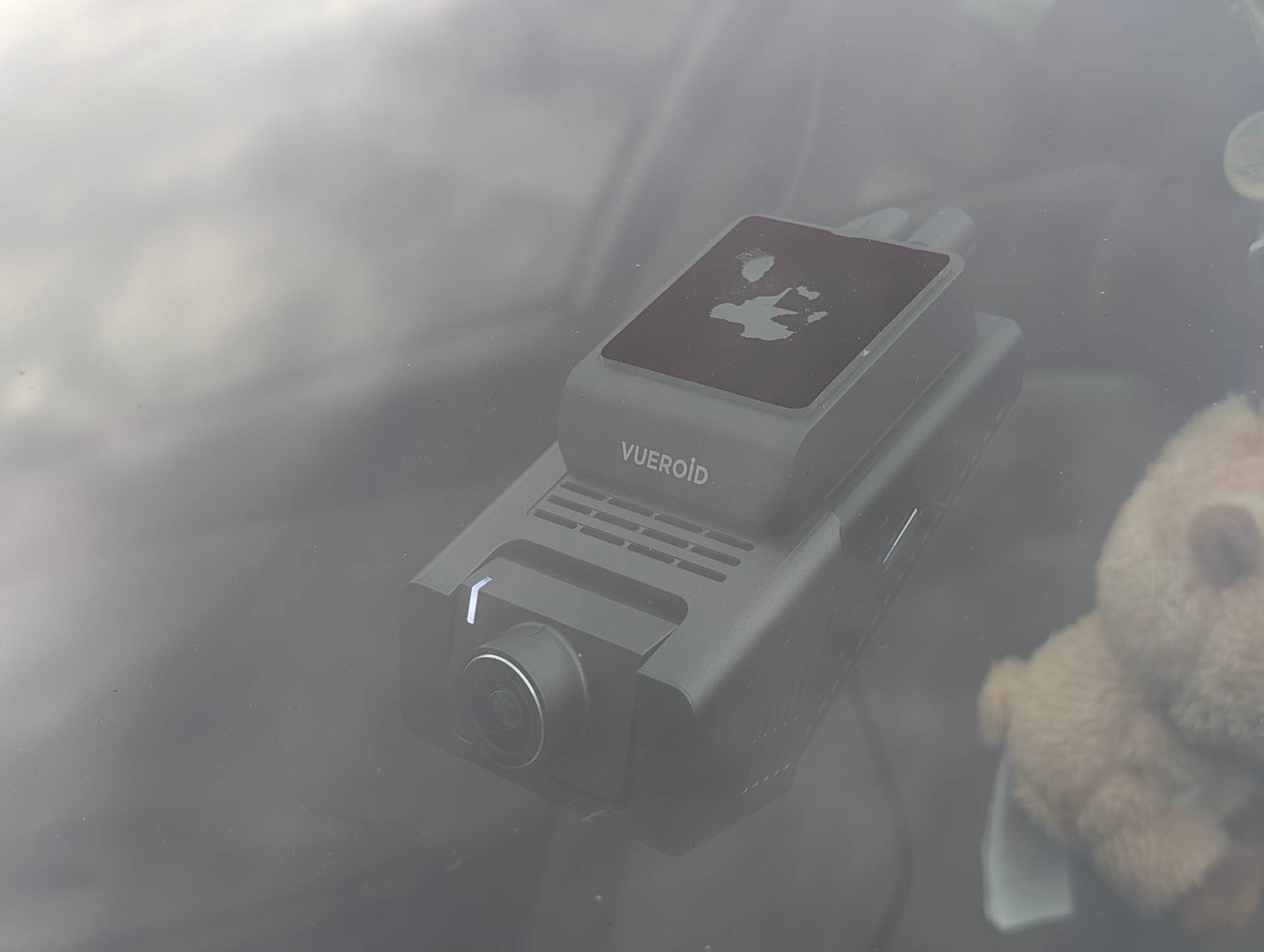
The Vueroid S1 4K uses a Sony Starvis 2 sensor, something you’ll see in many high-quality dashcams, which delivers great detail even in low-light conditions. It’s capable of 4K 60FPS from the front camera and 2.5K 30FPS from the rear camera. That’s quite an impressive rear camera, as many I’ve seen cap at 1080p. Vueroid also claims to use a proprietary “Sight Matrix” technology for image signal processing. Whether that’s true or not is beyond my pay grade, but we’ll see if it makes a difference when we talk about the footage.
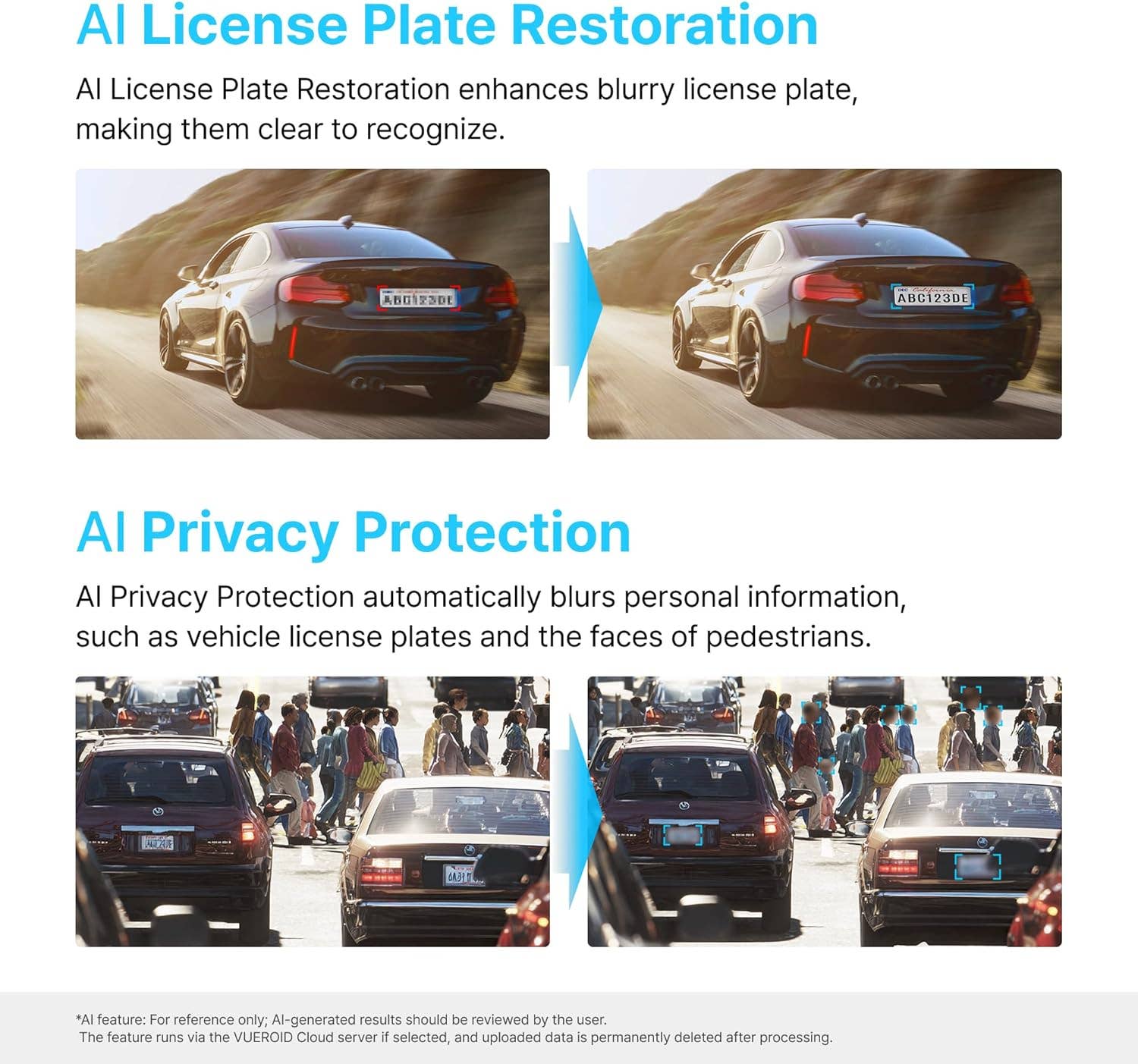
Of course, it wouldn’t be a recent product if it didn’t include some kind of AI. Vueroid claims its camera can enhance blurry license plates using “state-of-the-art AI restoration technology.” That same technology can also be used in reverse to blur license plates and people’s faces. I can see that being useful if you’re some kind of travel channel and want to protect strangers’ privacy in your on-road footage.
How did it perform?
I didn’t hardwire mine, just in case I didn’t like it and decided to take it off following the review. Thankfully, both the cigarette lighter cable and the cable for the rear camera are more than long enough. I ran the cable for the rear camera across the headliner and tucked it behind the grab handles for safekeeping, while the front camera’s cable found its home between the center console and the passenger seat. If you were to hardwire it, the usual 24/7 parking mode and impact detection are present as well.
I will say that there is a major design flaw that makes the front camera a little less than ideal, in my opinion. The first is that the sticky pad that attaches the camera to the windshield is on the camera itself, rather than on a stand or holder, which leads to my second issue: the camera’s angle. Most other dashcams I’ve seen have an attachment point at the top, meaning the screen is always perpendicular to your eyes and easy to interact with. The S1 4K’s screen is more at a weird, 30-degree angle, so you kind of have to crane your neck down to interact with it. One nice feature is that it can display input from both the front and rear cameras simultaneously, though the recorded clips remain separate.
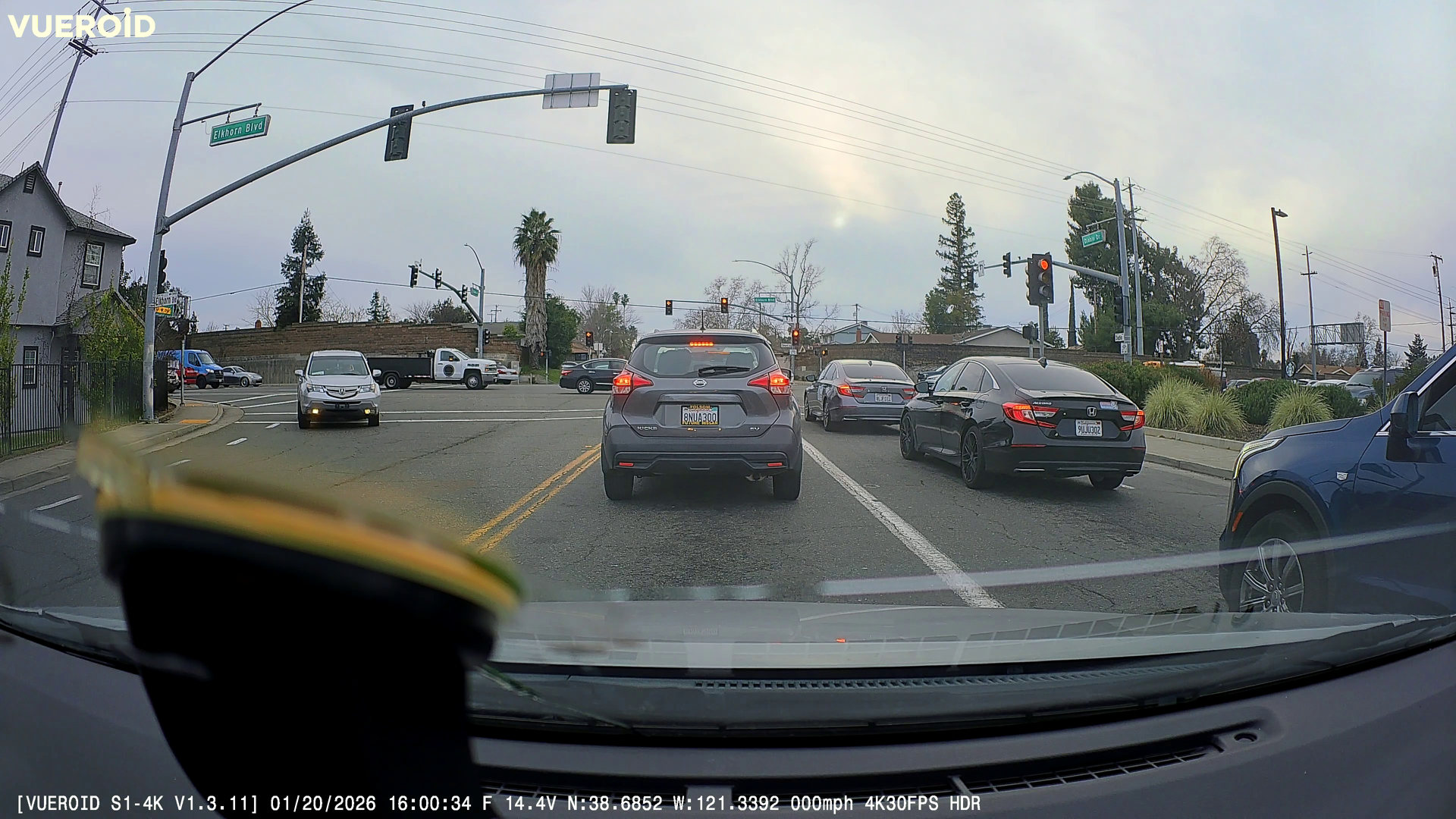
I kept it in 4K 30FPS for most of the time to save on card space, and while the footage was clear, it seemed a little too clear, if that makes sense. You know when you oversharpen an image, or AI enhances it, and objects end up having an aura around them or looking slightly blurry? That’s what the videos from this end up looking like. It’s like upscaling a 1080p video into 4K. Regardless, license plates were at least legible for the most part, and the image was bright.
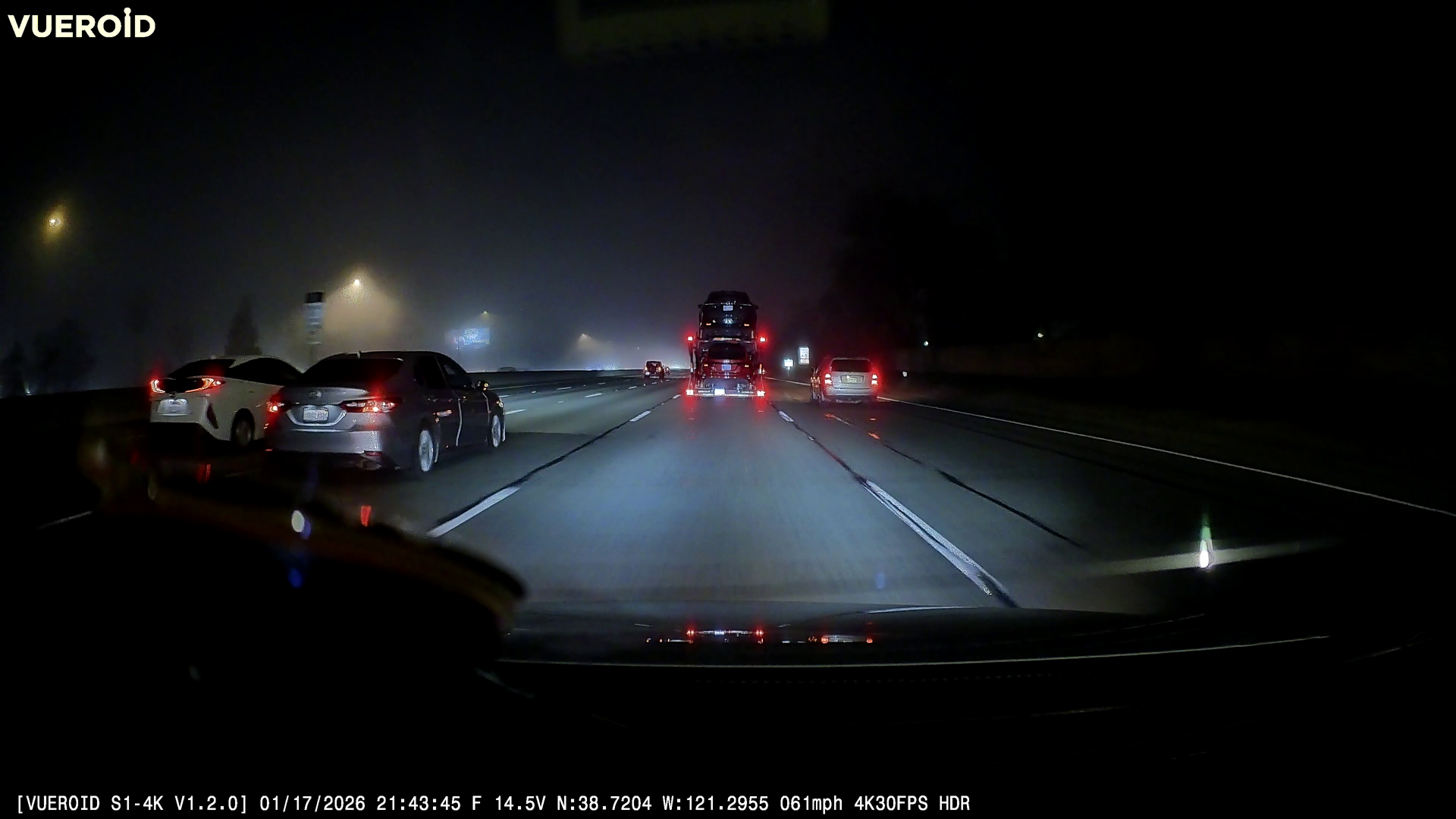
At night, things seemed to get a little worse. We’ve had quite a foggy few weeks here in Sacramento, and while it was easy enough to tell what kind of cars were in front of me and where I was location-wise, the footage was awfully noisy. Every light and sign became a grainy, illegible mess. Even the road markings looked like dotted lines rather than solid ones.
The app is easy to navigate, though, and seeing/downloading your footage is a breeze. Don’t make the same mistake I did and download the Vueroid Dashcam app, though. The right one is the Vueroid Hub app, which I found out after contacting support.
How about that AI License Plate Restoration feature?
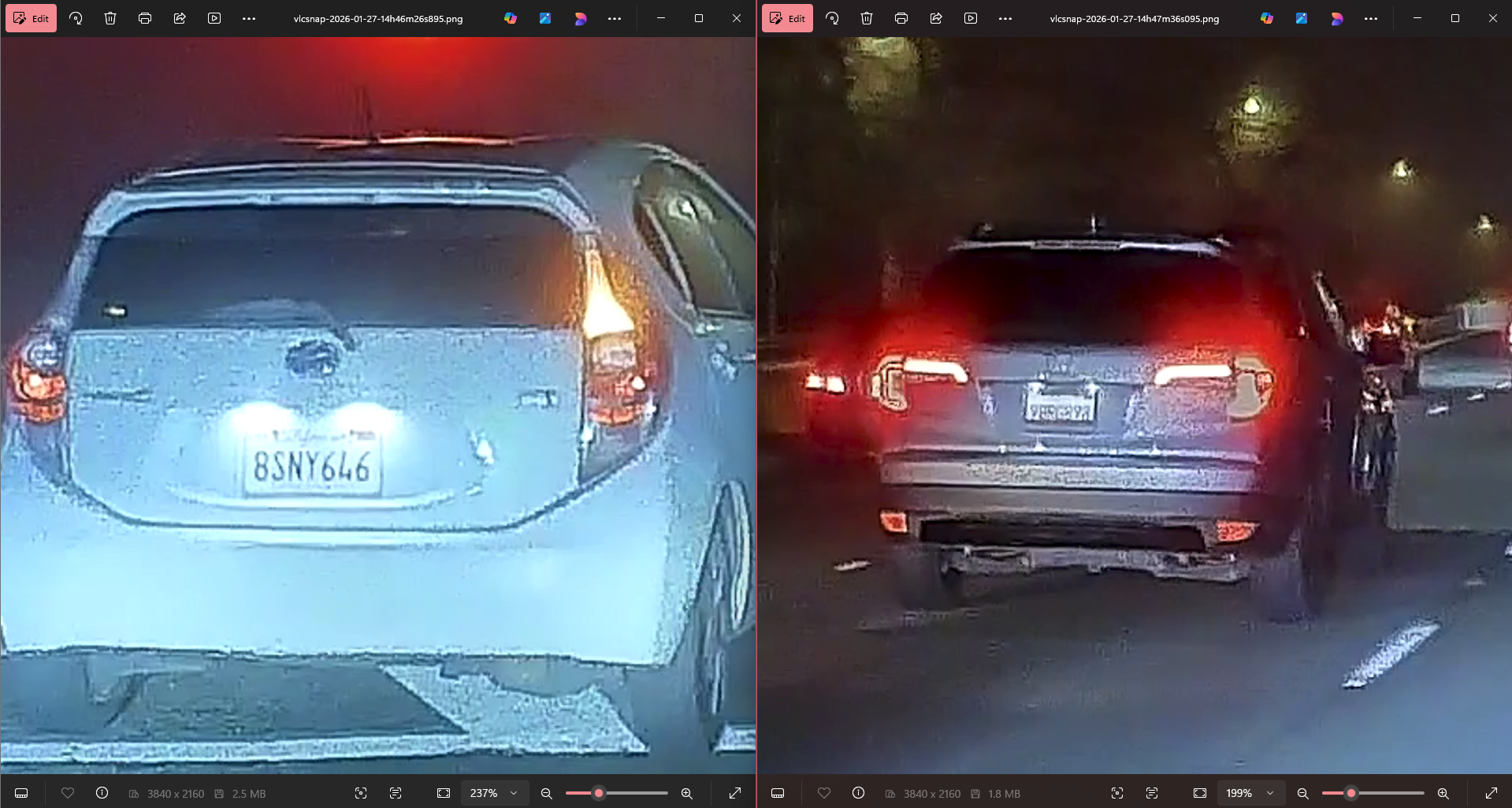
This one’s a little interesting, and I thought it was perhaps where the higher price tag comes into play. I loaded the above night video into the VUEROID PC Viewer program and asked it to identify the license plate of the silver Honda.
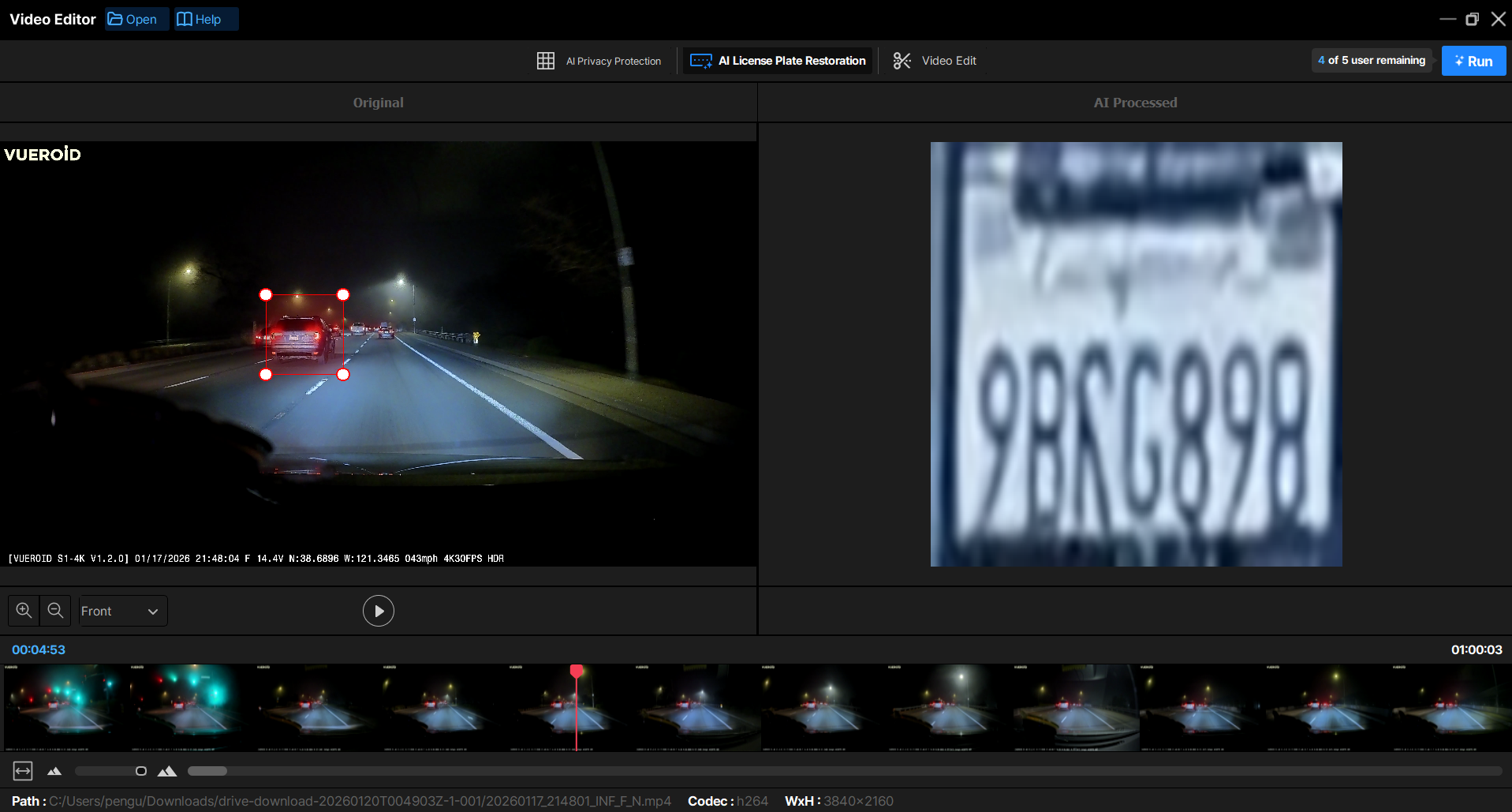
I also had it enhance the license plate on this Prius C as it was turning.
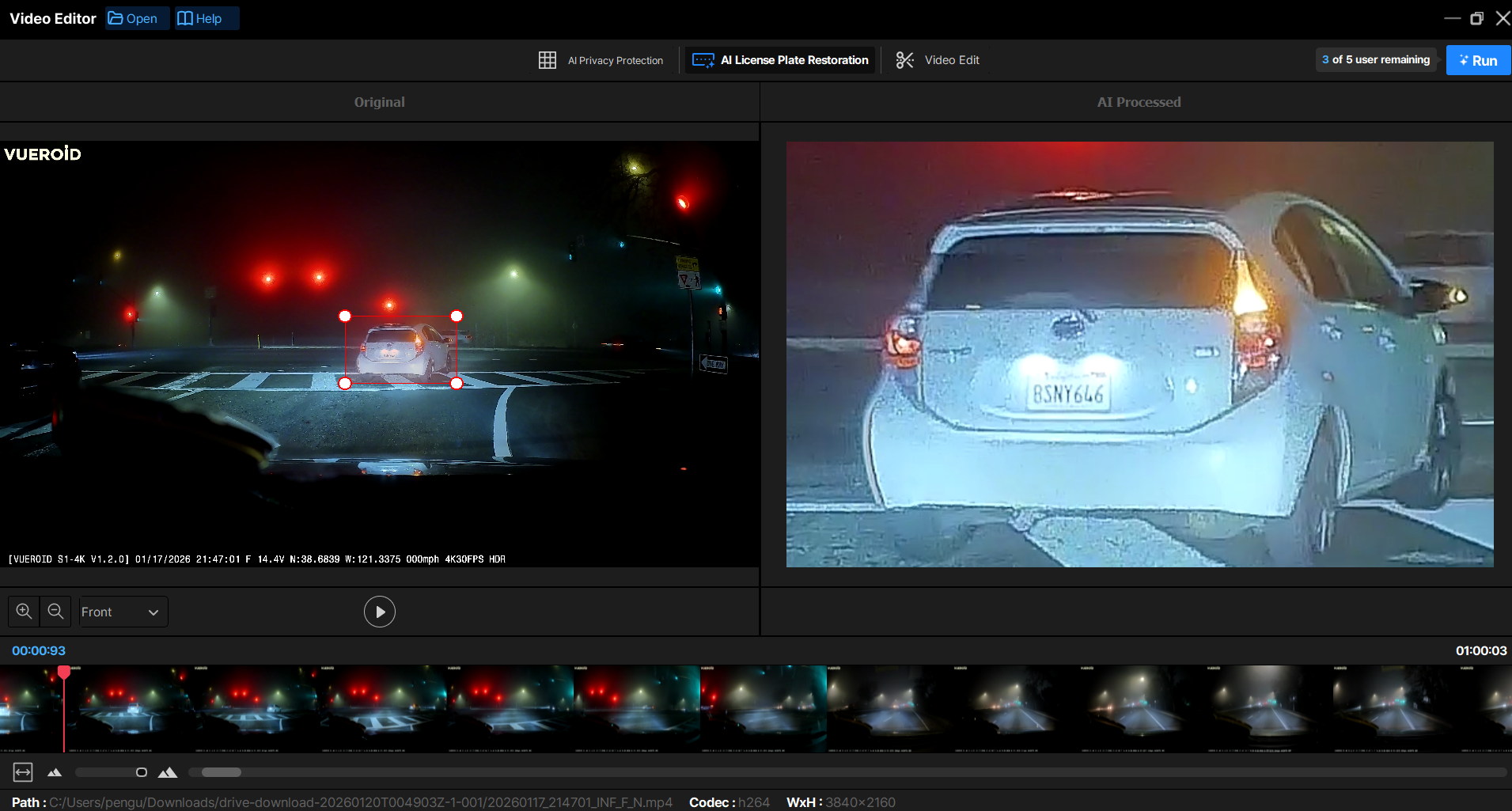
Impressive? Well, sort of. I got similar results by taking screenshots of the videos in VLC Media Player and zooming in. The AI feature seems to do the same and uses image processing to artificially “clear up” the zoomed-in image. However, it only gives you five restoration credits, which I assume reset in 24 hours. You can get the same results with other third-party software or websites without a credit limit. Don’t get me wrong, it can be a very useful feature for those who are less computer literate, but limiting the conversions when you’ve already paid $400 for the camera doesn’t make much sense to me.
Final thoughts: Is the Vueroid S1 4K worth the price?
Whether something is worth it or not is always subjective, but I find it hard to recommend the S1 4K at its current price. Yes, it can record in 4K 60FPS for the front camera and 2.5K 30FPS for the rear, but do most people really need that level of quality and frame rate in a dash cam? The overall video quality was good, if a little oversharpened and blurry, but license plates were mostly legible. That’s during the day, though. For a camera that promises great night vision and proprietary image processing, I was not impressed when the sun went down.
Also, the lack of an included microSD card at this price is criminal. Not to mention the prices they charge for their OEM cards are insane as well. For comparison purposes, a Rove R2-4K Dual is currently on sale for $109.99 from its $149.99 MSRP. It boasts 4K 30FPS footage from the front camera and 1080p 30FPS footage from the rear with the same Sony Starvis 2 sensor. The screen is perpendicular, so interacting with it is easy and natural, and it comes with a 128GB microSD card in the box. I can’t speak to whether it’s a superior camera, but it has 4.5 stars from 9,649 reviews, if those reviews can be trusted.
As it sits, I think the Vueroid S1 4K is a little too pricey for what it is. I’m sure recording in 4K and 2.5K is a boon for some people out there, but the quality of the actual recording doesn’t live up to those stats. The lackluster night mode, lack of an included microSD card, and the “meh” AI license plate restoration are unfortunately the nails in the coffin for this dashcam. As much as I wanted to like it, I don’t think this is one I can tell you to go out and buy unless the price drops closer to the high $200 range. Spend a little more time exploring all the choices online and at your local brick-and-mortar store, and you’ll likely find something more affordable with similar or better specifications. Are there any dashcams you’d recommend? Was I too harsh with my review? Let us know in the comments below!